
mywiki:dbs_moomoo
Table of Contents
Transfer Cash from DBS My Account to Moomoo
Transfer USD from DBS My Account to Moomoo via **oversea transfer**
In Phone APP
Oversea Transfer
- Login to DBS APP
- Click Transfer Money
- Click Oversea
- Select oversea recipient Like: OTT, USD, DBS Bank LTD xxxxxx
- Select My Account: USD
- Note
- Sender must send in USD
- Recipient must get in USD

Get the oversea transfer summary form:
- Once sent, then go to your oversea transfer page again
- Click Transfer status
- Click the transfer Item, it will jump to the page of the transfer status
- Click Transfer details and capture the screen
- For example:
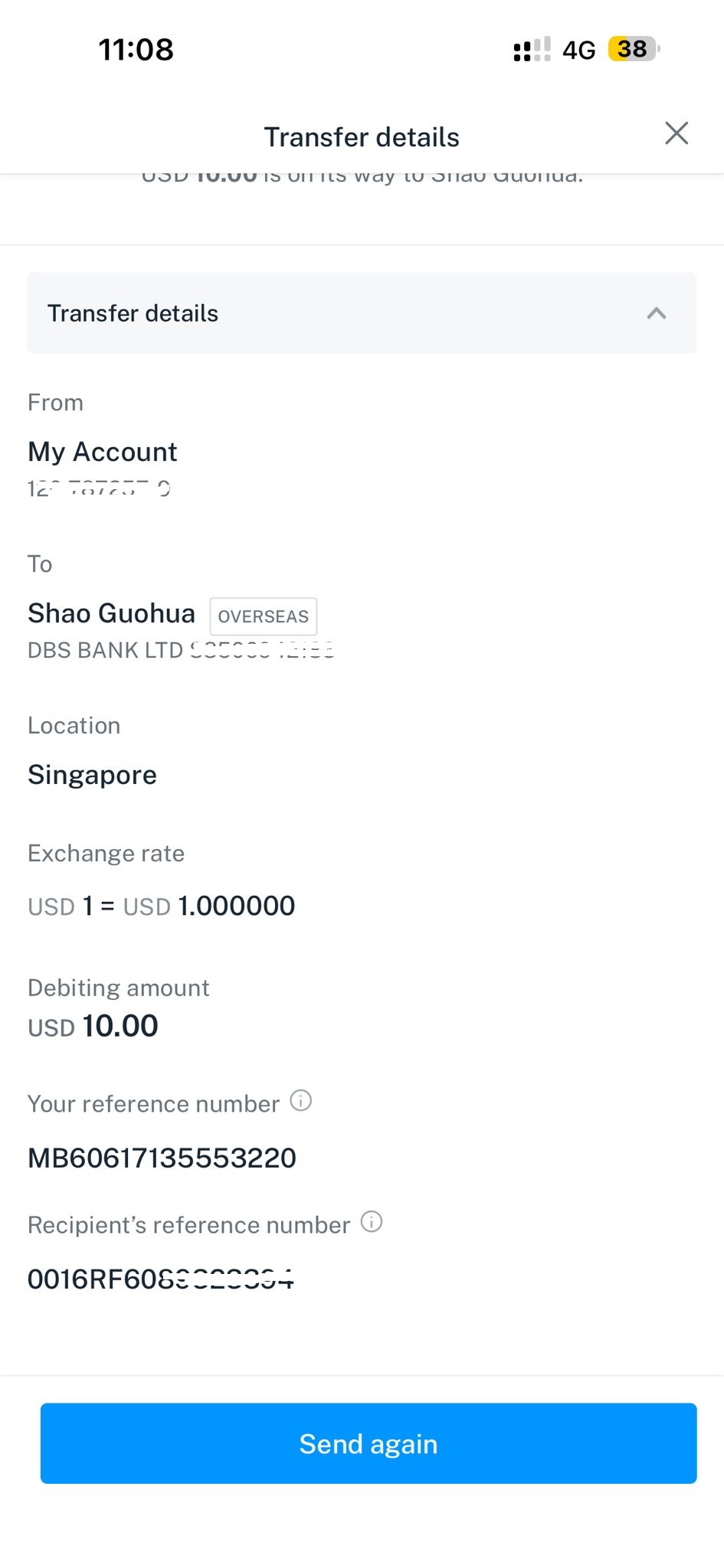

Upload this transfer summary to moomoo
Transfer SGD from DBS My Account to Moomoo
mywiki/dbs_moomoo.txt · Last modified: by gshao